Improved
Run several AI generations at once in Studio
Start audio generation, stem separation, audio-to-MIDI and section edits in Studio without waiting for the previous one.
1 min read
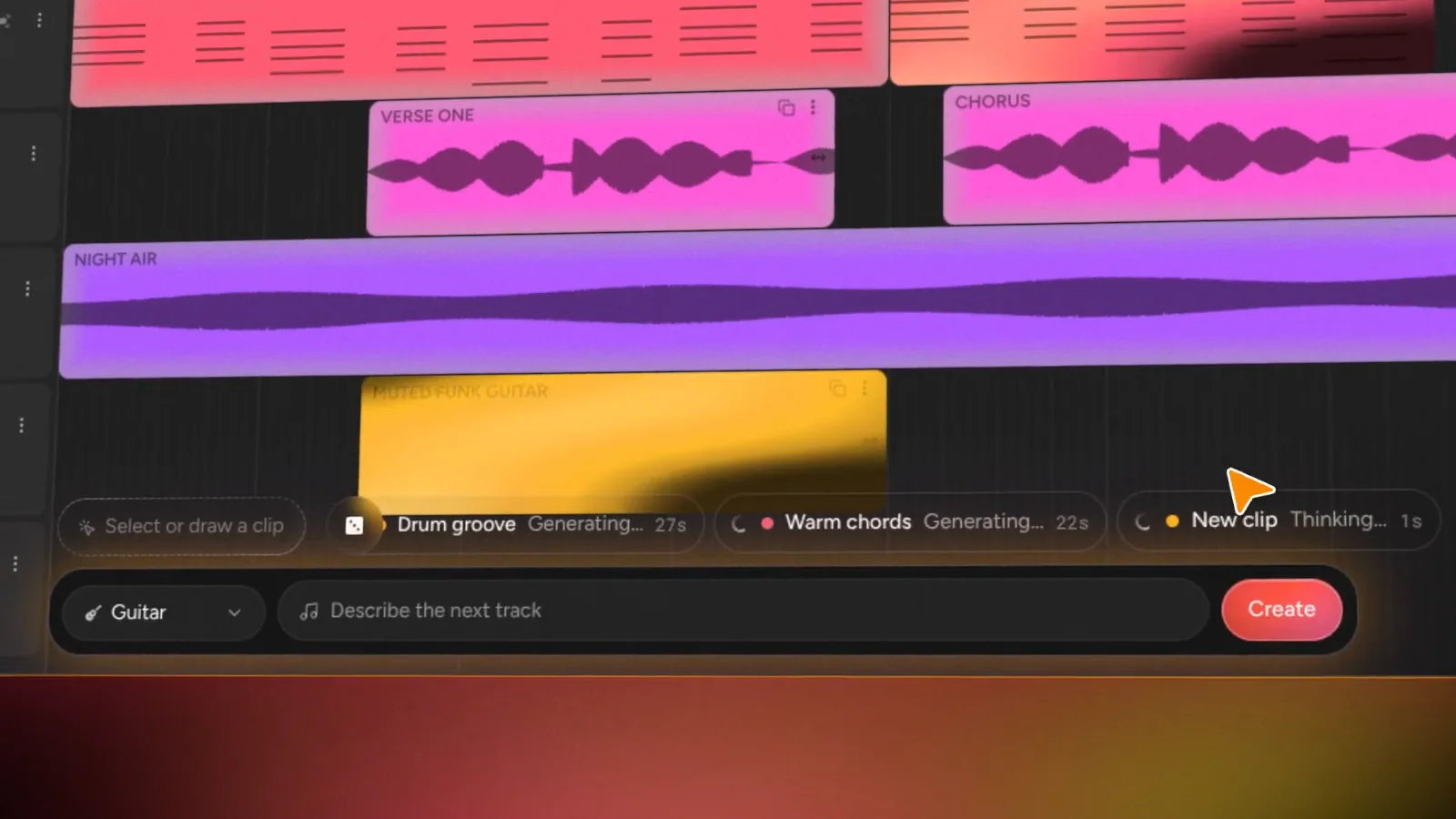
Studio can now run several AI jobs at the same time. Start an audio generation, a stem separation, an audio-to-MIDI conversion or a section edit without waiting for the previous one to finish. You can keep arranging while they run.
Two engine changes arrived as well. Time-stretched clips sound truer to the original recording, and a new audio engine uses less memory. Both apply as soon as you open a project in Studio.
More releases
ImprovedCollab · Studio · Layers
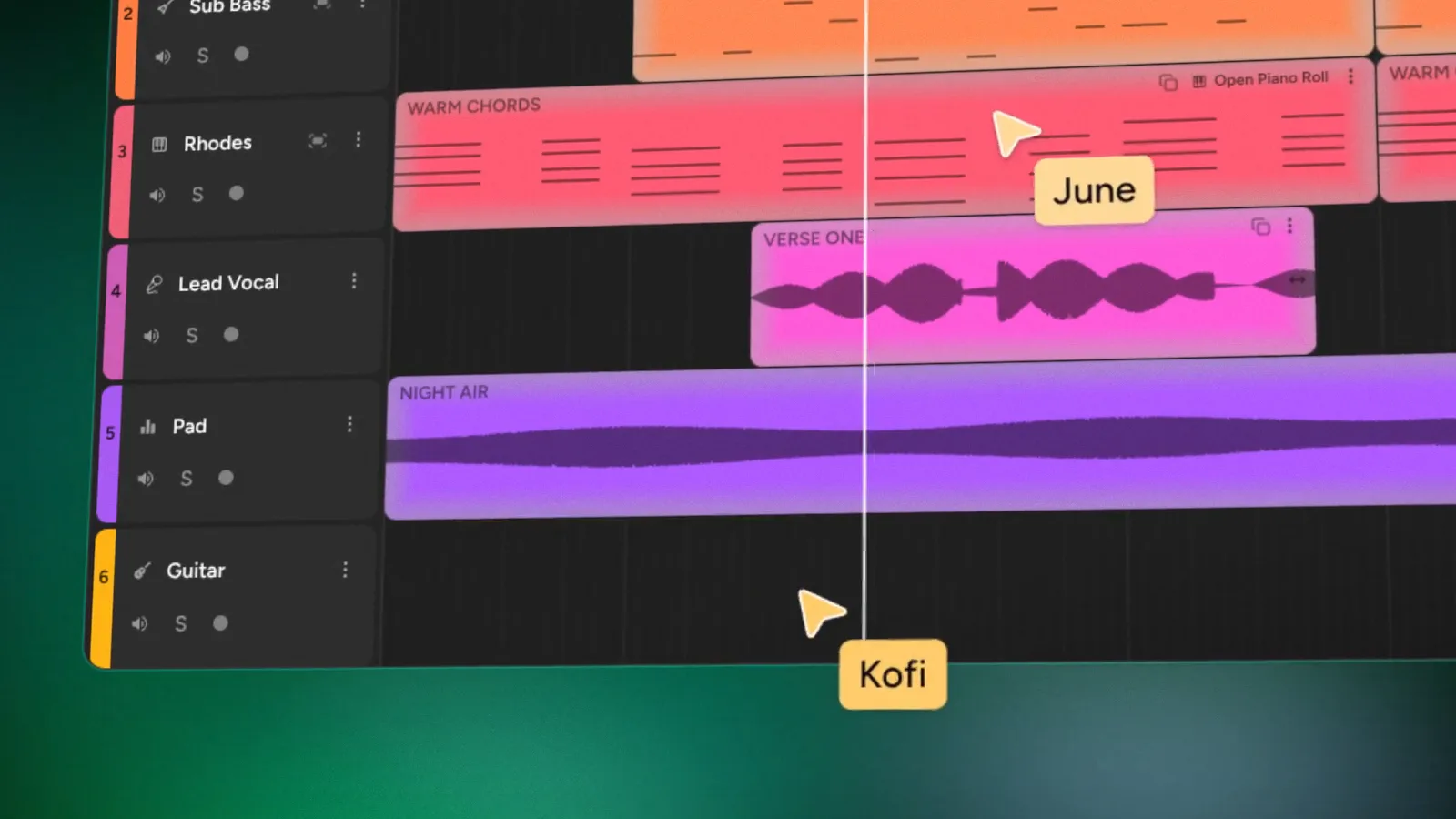
Up to 200 people in one collaboration room
Collaboration rooms now hold up to 200 people at the same time. Before, the limit was 20.
NewCollab · Layers · Studio · Vibe
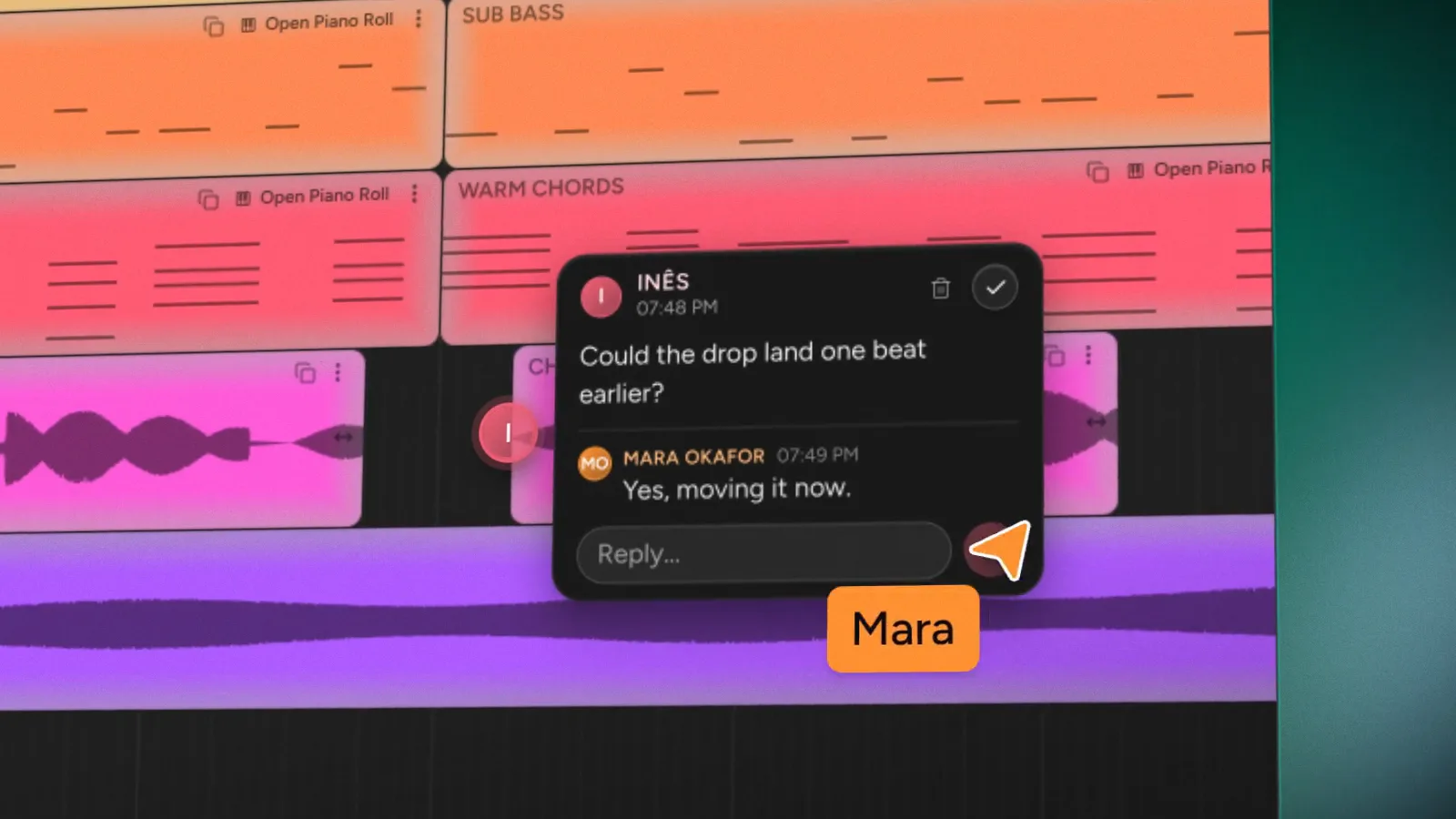
Real-time collaboration (beta)
Work on the same project together with live cursors, voice, chat, comments and a member list.
ImprovedStudio
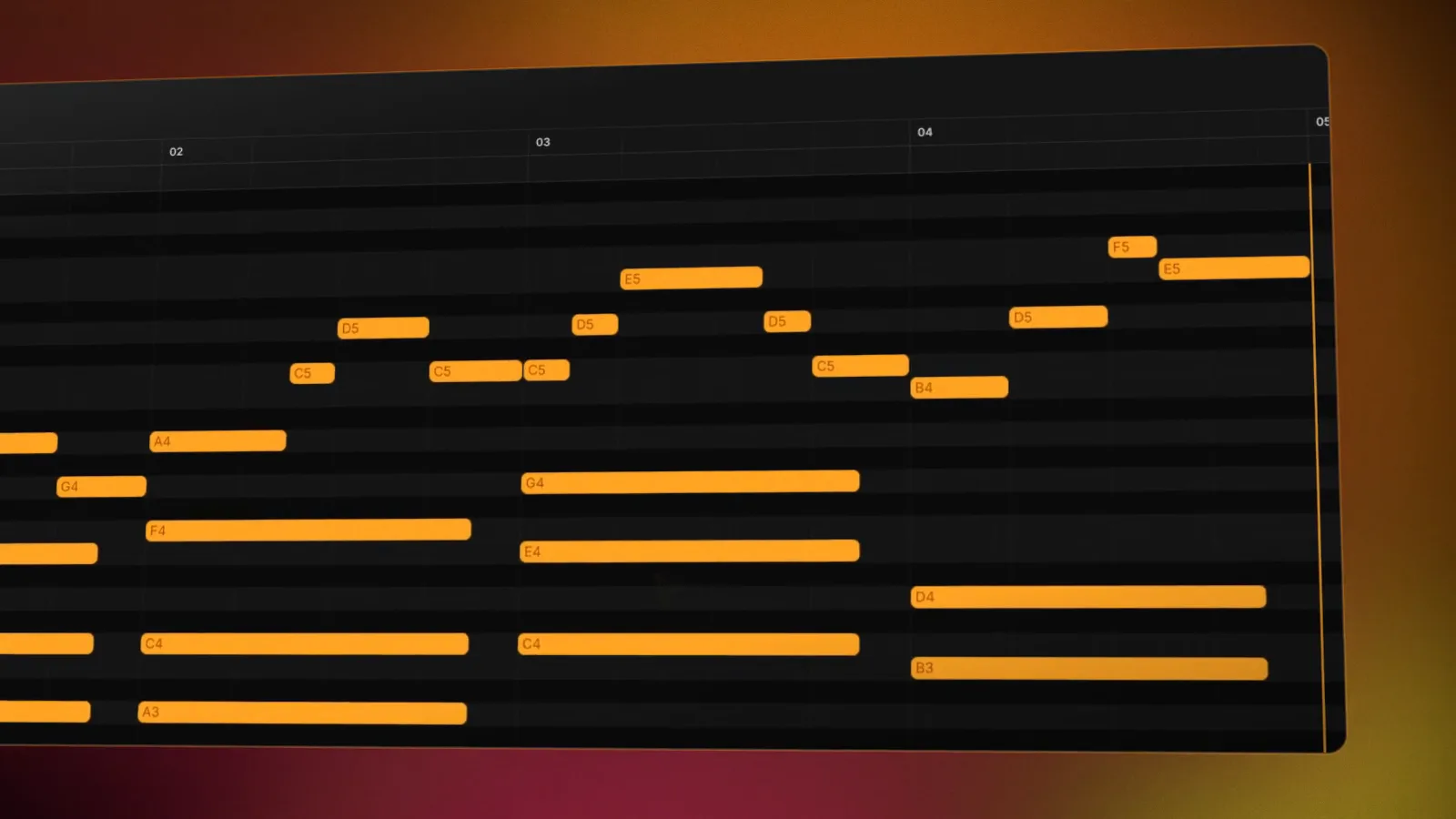
Studio on a new GPU renderer
The arrangement, ruler, playhead and piano roll now draw on the GPU, so Studio stays smooth with many tracks.