Mozart on the web in nine more languages, with notifications in your browser
The web app now shows in your language, with nine to choose from besides English. Notifications have also arrived on the web.
By Mozart Team3 min read
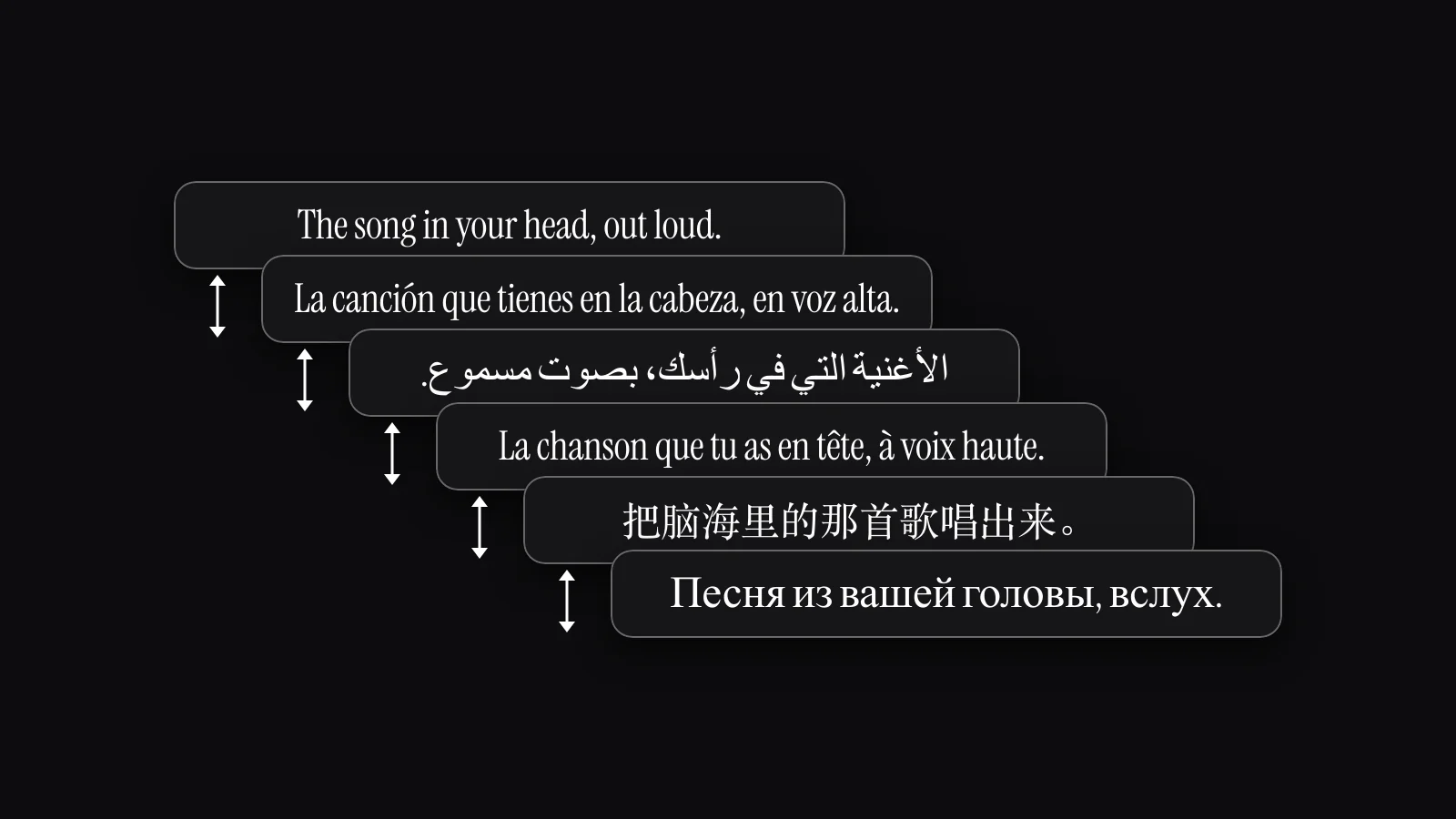
On 19 November 2026 two things arrived in the Mozart web app. It began to show in nine languages besides English, and notifications came to the browser for the first time.
What it is
Languages. The web app is now available in Spanish, Arabic, French, Italian, German, Brazilian Portuguese, Russian, Turkish and Simplified Chinese, alongside English. Arabic is laid out from right to left. A language picker lets you choose, and Mozart remembers your choice. If you have never chosen, the app follows the language of your browser.
The translation covers the places you see most: the home page and the plans, signing in and signing up, the app's navigation, browsing and the Library, billing, and the help and legal pages. It also reaches details that are easy to overlook, such as notification times in your inbox, the connection status in a Studio session, error messages and the Spill page.
Some screens are still in English for now, including parts of Studio and the project editor. We are working through them.
Notifications. On desktop there is a Notifications row in the sidebar, with a badge for anything unread. In phone browsers there is a bell in the header. It is the same inbox that the iPhone app has had since October.
What you can do with it
Changing language takes three steps:
- Open the language picker.
- Choose your language. The app switches to it.
- Carry on as usual. Your choice is remembered the next time you visit.
In the notifications inbox you can:
- Open a notification to jump to what it is about, such as the song someone liked or the comment they left.
- Mark items as read or unread, delete them, or mark everything as read.
- See your notifications grouped by day.
- Choose what you are told about. The settings cover three groups: Generation, Social and Announcements.
The inbox tells you when a song or a video is ready and when mastering is done. It also tells you about new followers, new releases from artists you follow, likes, comments, replies, and remixes of your songs.
A few notifications only make sense in the iPhone app. For those, the web shows a link and a QR code that open them in the app.
Who it is for
The languages are for everyone who makes music on Mozart and would rather not do it in English. Menus, buttons and error messages are small things, and they are much easier to trust in your own language.
Notifications on the web are for people who work mainly at a computer. If you start a generation and switch to another tab, the badge tells you when it is done. If someone comments on a song you published, you find out without opening your phone.
What shipped alongside
- Collaboration moved to servers that Mozart runs itself, placed in the region nearest to the room's creator.
- Onboarding now picks up where you left off if you leave part way through, with your answers kept.
- On phone browsers, bottom sheets now slide up smoothly and can be dragged down to close, the way they do in the iPhone app.
- Platform
Put your next idea into music.
Bring a brief, a melody or a new direction to Mozart.
Create with MozartKeep reading
Engineering
A faster web app: pages now arrive ready to use
We rebuilt the Mozart web app so pages are rendered on our servers. Navigation, the Library, Credits and song pages load faster.

Company
An update to credits on Mozart
What is changing with credits on Mozart: new plan allowances, a clearer cost for every feature and what it means for your account.
Product
Discover is now a map: songs, albums and videos in one place
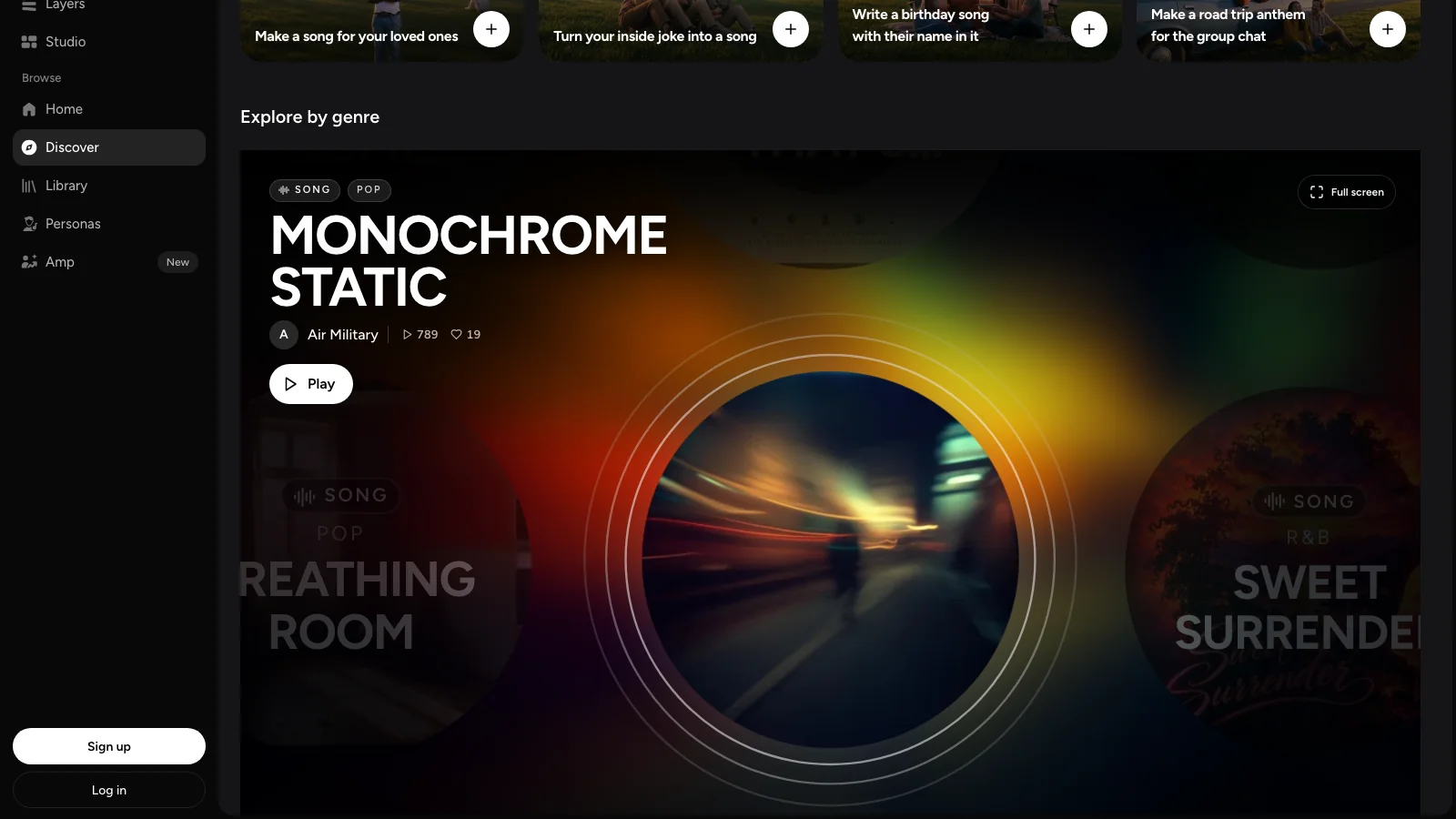
Discover is a map you pan and zoom. Songs, albums and videos sit together, laid out by genre, and landing on one plays it.