Mozart 2.0 for iPhone: native navigation, a play queue and a notifications inbox
Mozart 2.0 for iPhone brings native iOS navigation, a Now Playing queue, a notifications inbox and a new app icon.
By Mozart Team3 min read
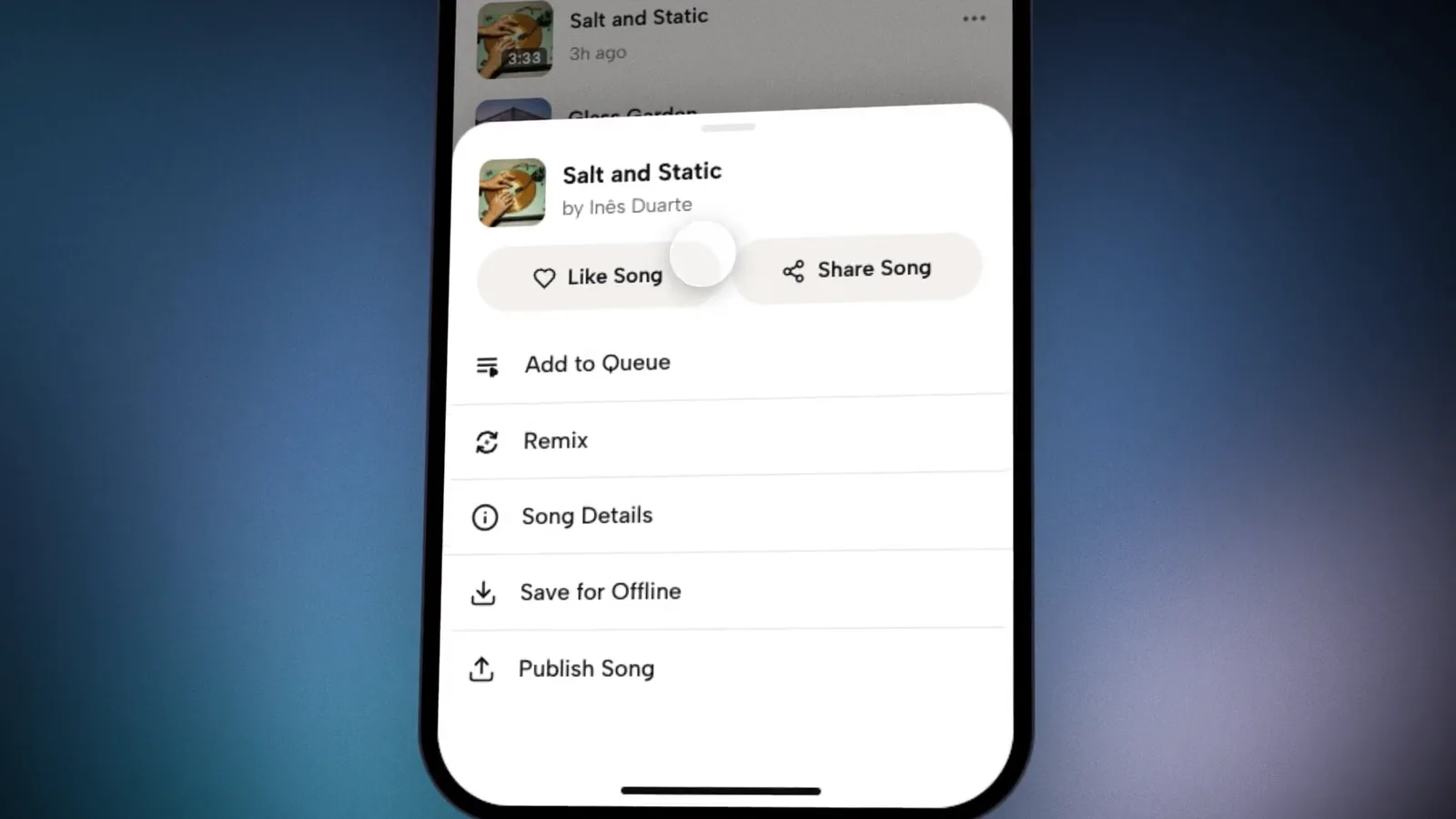
On 25 October 2026, Mozart 2.0 for iPhone went live on the App Store. It is the largest update since the app launched in February, and it changes how the app looks, how you move around it and how you listen.
What it is
Version 2.0 rebuilds the app on the parts of iOS you already know. The navigation bars, menus, search and tab bar are now the system's own, so Mozart looks and behaves like the rest of your iPhone. There is a new app icon as well.
Listening got the most attention. Now Playing has a proper queue, and the app has a notifications inbox again, so you can see who liked, commented on or replied to your music without leaving the app.
What you can do with it
- Listen with a queue. Open Now Playing to see what is coming up, add songs to the queue and turn on repeat. A mini player stays on screen while you browse.
- Keep up in the inbox. Likes, comments, replies and new releases from artists you follow arrive in one place. Tap a notification and it opens the song it is about.
- Choose how the app feels. A new Haptic feedback setting turns the app's taps and vibrations on or off.
- Pick a plan more easily. The plan picker has been redesigned.
Getting started with 2.0 takes three steps:
- Open Mozart. Version 2.0 is a required update, so the app asks you to install it from the App Store.
- Open the app again after updating. Your songs, your Library and your subscription are unchanged.
- Try the queue. Play a song, open Now Playing and add a few more to hear them in order.
Who it is for
This update is for everyone who uses Mozart on iPhone. If you mostly listen, the queue and the inbox are the changes you will notice first. If you mostly create, the app is easier to move around, and the songs you make are easier to line up and play back to someone.
It also matters if you use Mozart on both phone and computer. The inbox on iPhone was the first step towards having the same notifications everywhere, which reached the web a few weeks later.
What came next
- On 29 October 2026, a song download that is cut off began to resume where it stopped, and comment lists began to load every comment as you scroll.
- On 10 November 2026, songs gained a third visibility, Unlisted, and sharing became a single tap, in the iPhone app as well as on the web.
- On 12 November 2026, a further update to the app was approved on the App Store.
- On 18 November 2026, Library filters and sorts arrived, with a row of filter chips for Songs, Projects and Albums on iPhone.
- On 19 November 2026, notifications came to the web, on desktop and in phone browsers.
Put your next idea into music.
Bring a brief, a melody or a new direction to Mozart.
Create with MozartKeep reading
Engineering
A Unified Audio Engine
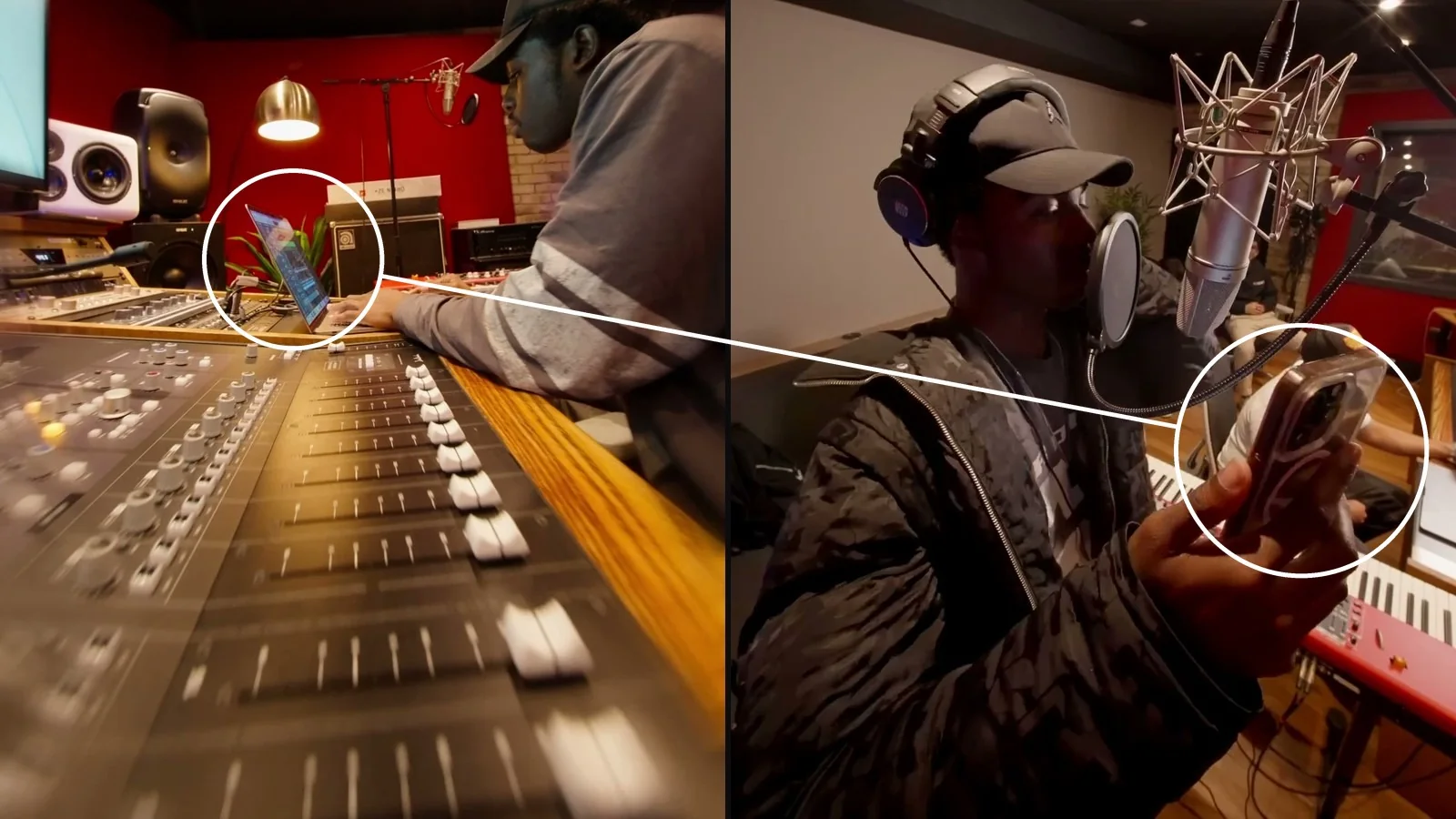
Mozart's audio engine is one C++ codebase that runs as WebAssembly in the browser, natively in Scout and natively on iPhone.
Product
Mozart for iPhone: make songs wherever you are
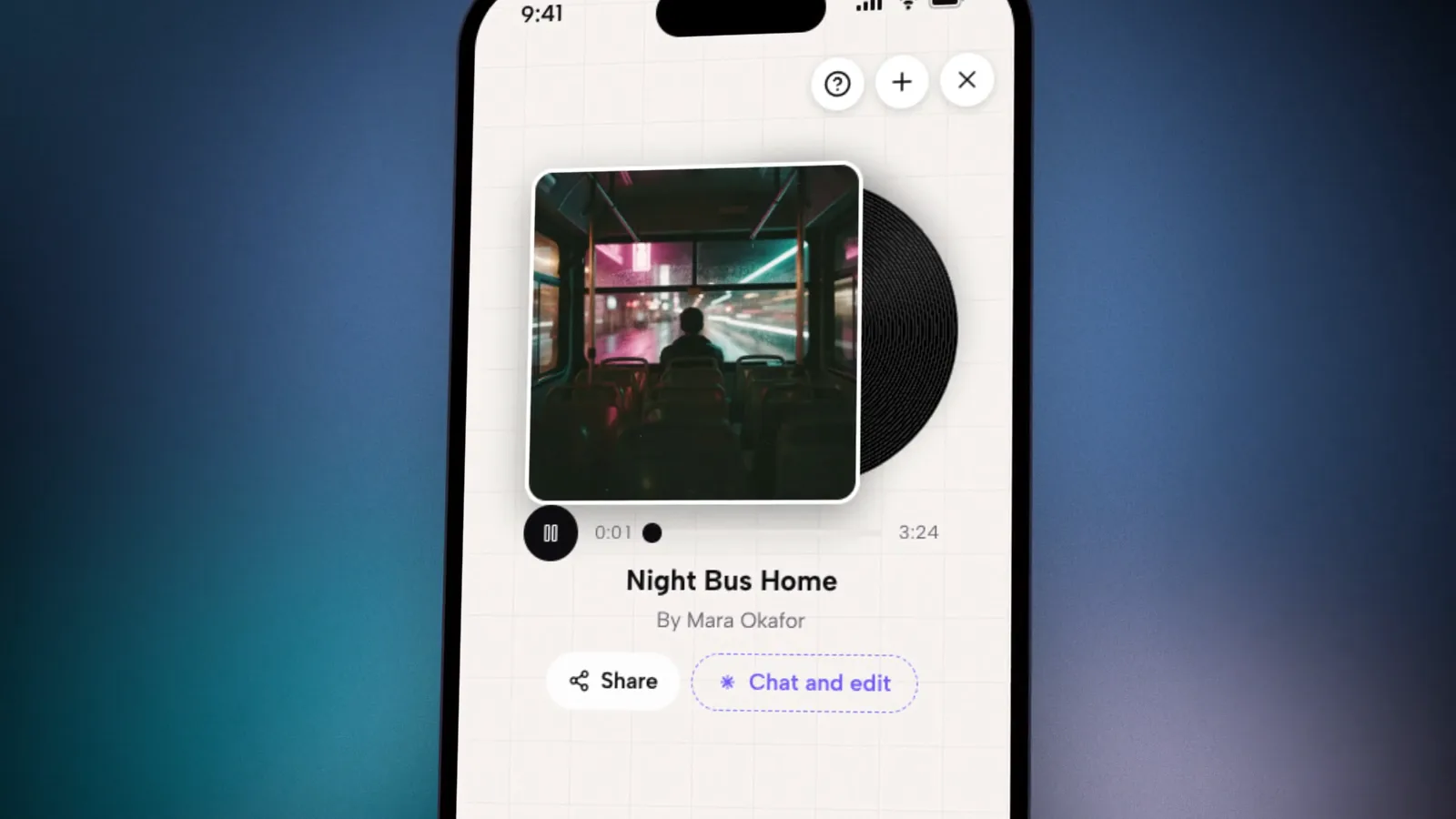
Mozart is on the App Store. Create songs by chat, follow a feed of new music and get a notification when your song is ready.
Product
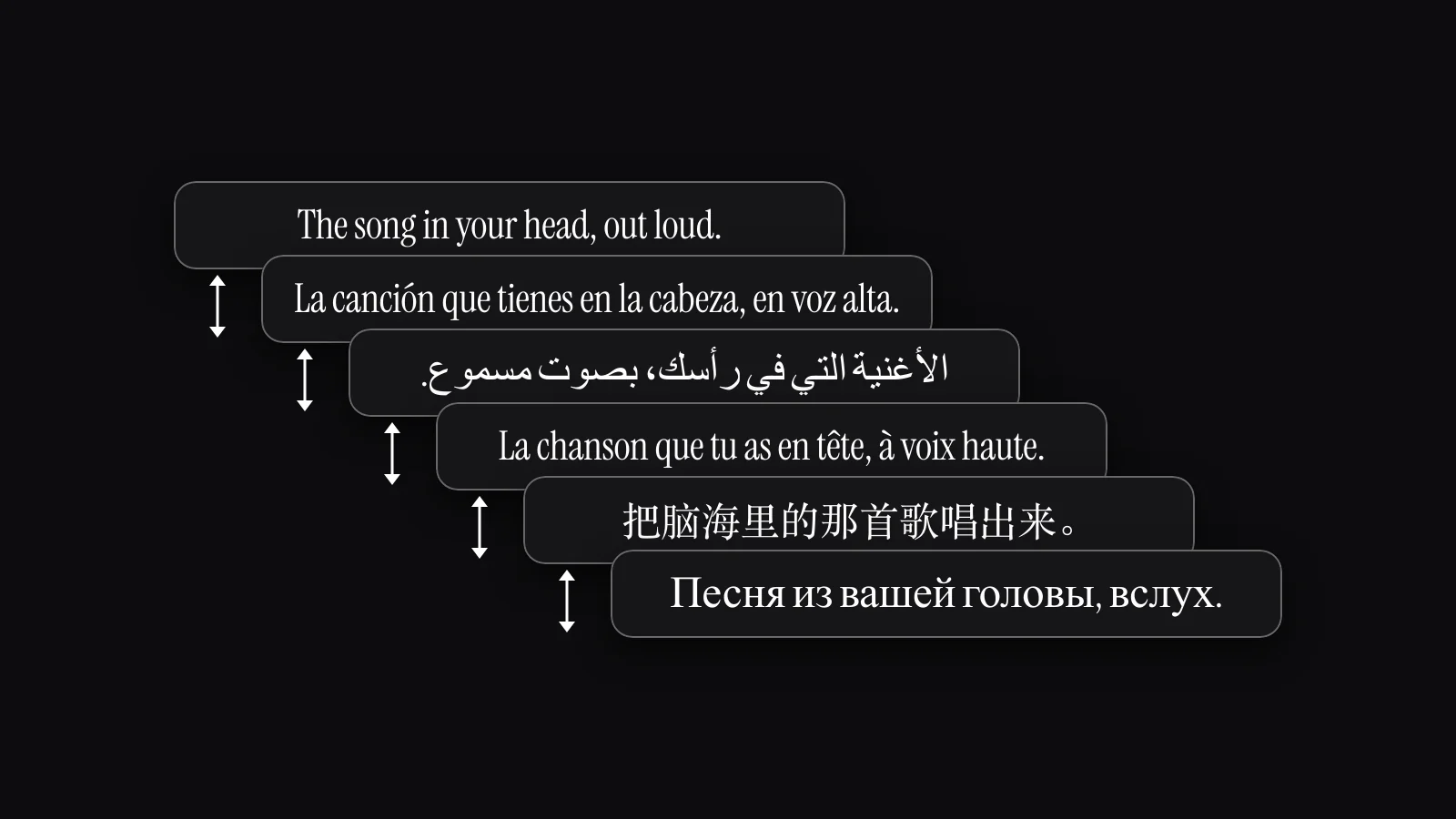
Mozart on the web in nine more languages, with notifications in your browser
The web app now shows in your language, with nine to choose from besides English. Notifications have also arrived on the web.