Layers: build a track one loop at a time
Layers lets you stack loops into a track: generate, record or upload each layer, shape it, then make a song or take it to Studio.
By Mozart Team3 min read
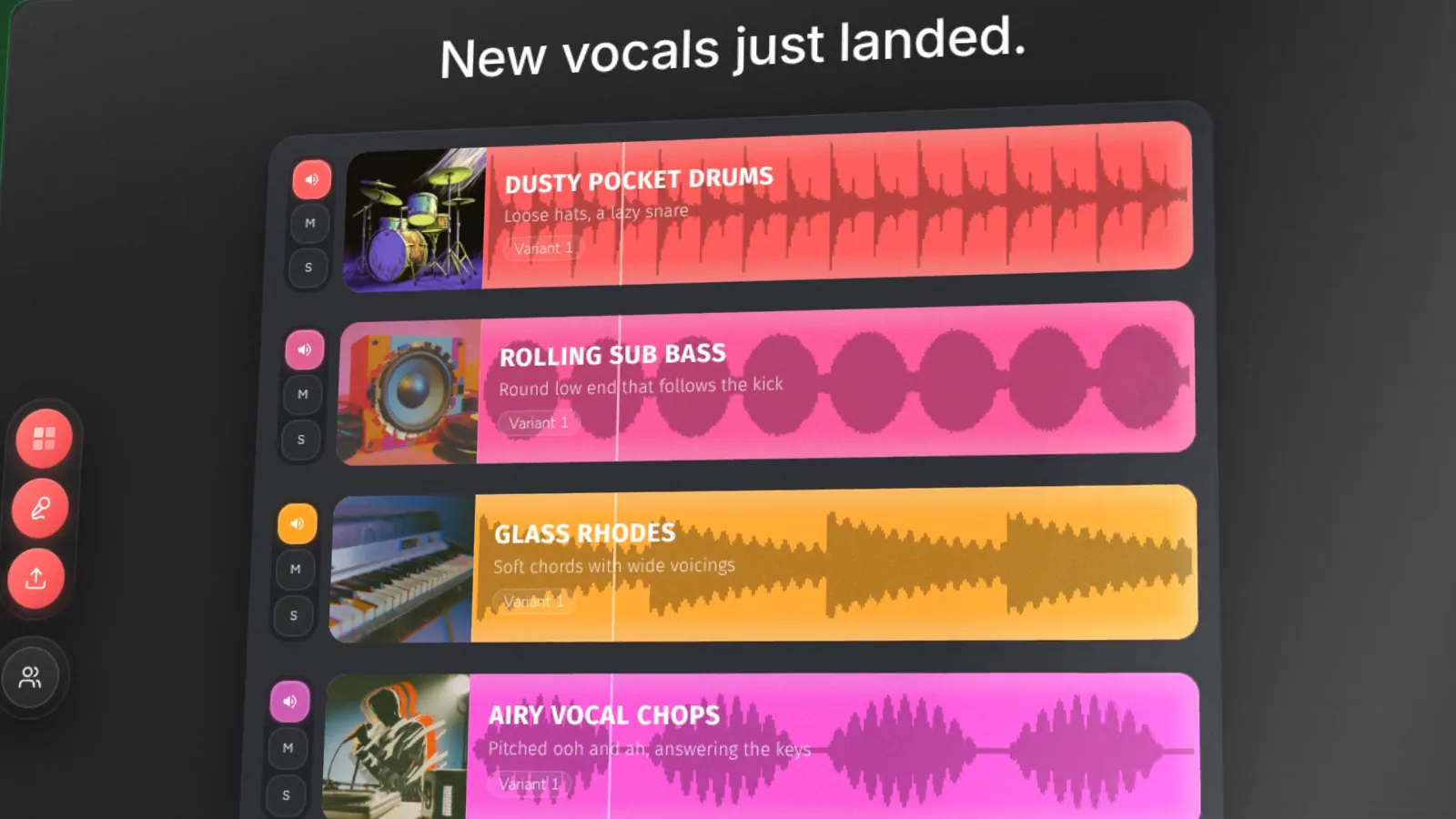
On 17 July 2026 we launched Layers. It sits between Vibe, where you describe a whole song, and Studio, where you control every note. In Layers you build a track the way a band would: one part at a time, each one played over the last.
What it is
A Layers session is a loop that grows. You pick a genre, and the session takes its tempo and key from there. Then you add layers: drums, bass, guitar, keys, vocals and more. Each new layer is made to fit what is already playing, because the session's genre, tempo and key guide every generation.
Layers runs on the web. It launched together with real-time collaboration, so a session can be shared with friends who add layers of their own.
What you can do with it
There are several ways to add a layer:
- Describe it. Type what you want in "Describe your next layer" and Mozart generates it.
- Take a suggestion. Pick from one to three suggested instruments and Mozart builds them into one layer.
- Add a drum track.
- Record it. Sing or play through your microphone.
- Upload it. Bring a loop or a stem of your own. Mozart matches it to the session tempo and offers to stretch it to the right BPM.
- Drag it in. The sidebar has a Samples tab, and dropping a sample on the session creates a layer.
Once a layer exists, you can shape it. Ask for variants and switch between them. Reroll a drum pattern or an instrument pattern. Mute it, solo it and set its volume. Rename the layer, give it cover art and export it.
A session might go like this:
- Choose a genre.
- Add a drum layer and try a few variants until the groove feels right.
- Describe a bass line, then a guitar part.
- Record a vocal idea over the loop.
- Mute layers in and out to hear which combination works.
- Make a song from the layers, or choose "Take it to Studio" and keep working there track by track.
If you have created a Persona, you can choose it when you generate a layer, so a vocal layer can use your own voice.
Who it is for
Layers is for people who think in parts: beatmakers, guitarists who want a rhythm section, singers who want something to sing over. It suits anyone who finds a single prompt too broad and a full workstation too much. You hear the track change with every decision, and you can take a decision back by muting one layer.
What came next
- On the same day, Studio moved to a GPU renderer, and the composer gained suggestions that read your session and type themselves into the prompt box. Press Tab to accept one.
- In September 2026, making a song from Layers began preparing its reference several times faster.
- In October 2026, the drum step sequencer gained a pattern length of 1 to 16 bars, and every genre got a starting drum groove of its own.
Put your next idea into music.
Bring a brief, a melody or a new direction to Mozart.
Create with MozartKeep reading
Engineering
A Unified Audio Engine
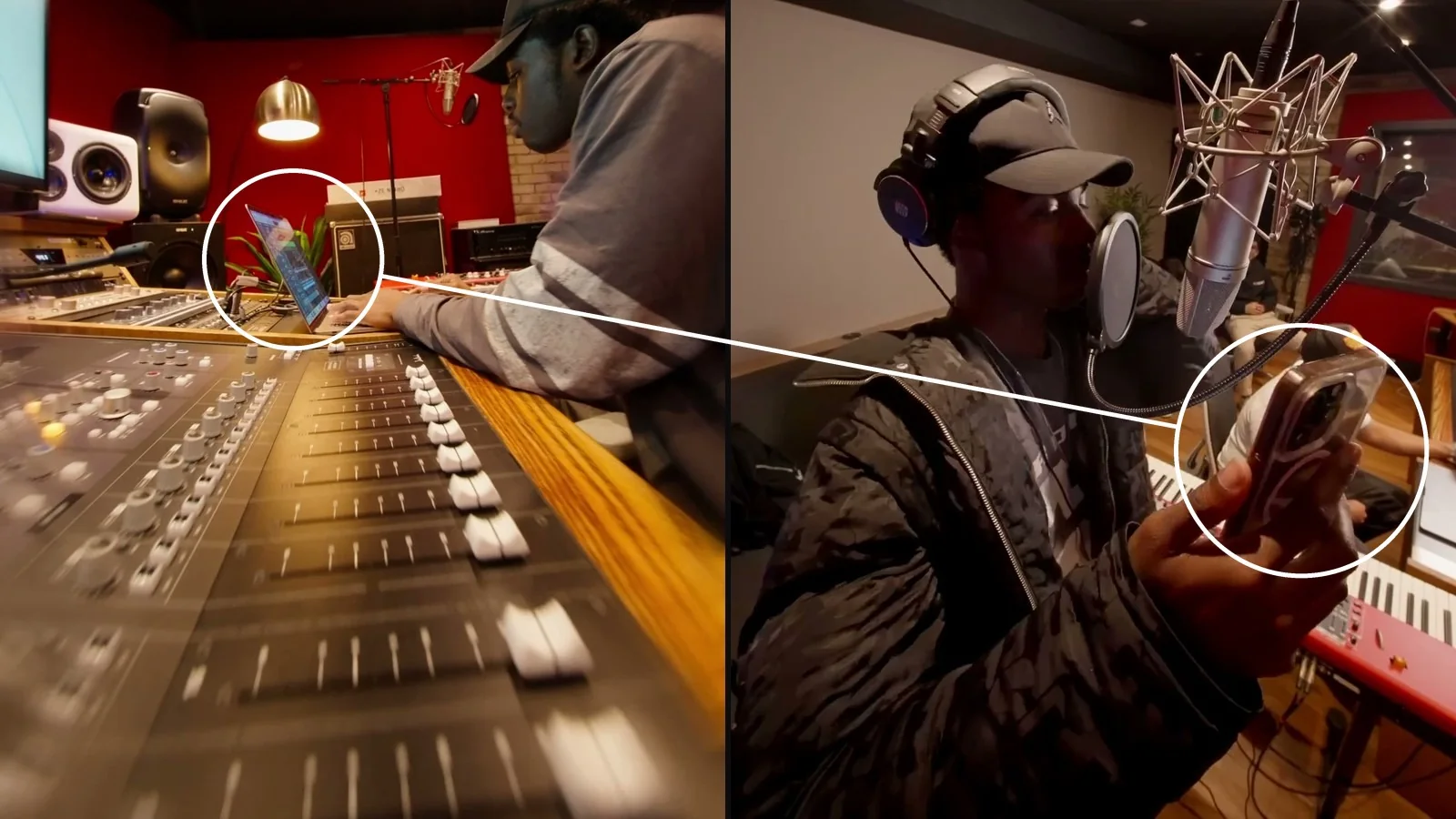
Mozart's audio engine is one C++ codebase that runs as WebAssembly in the browser, natively in Scout and natively on iPhone.
Product
Mozart on the web in nine more languages, with notifications in your browser
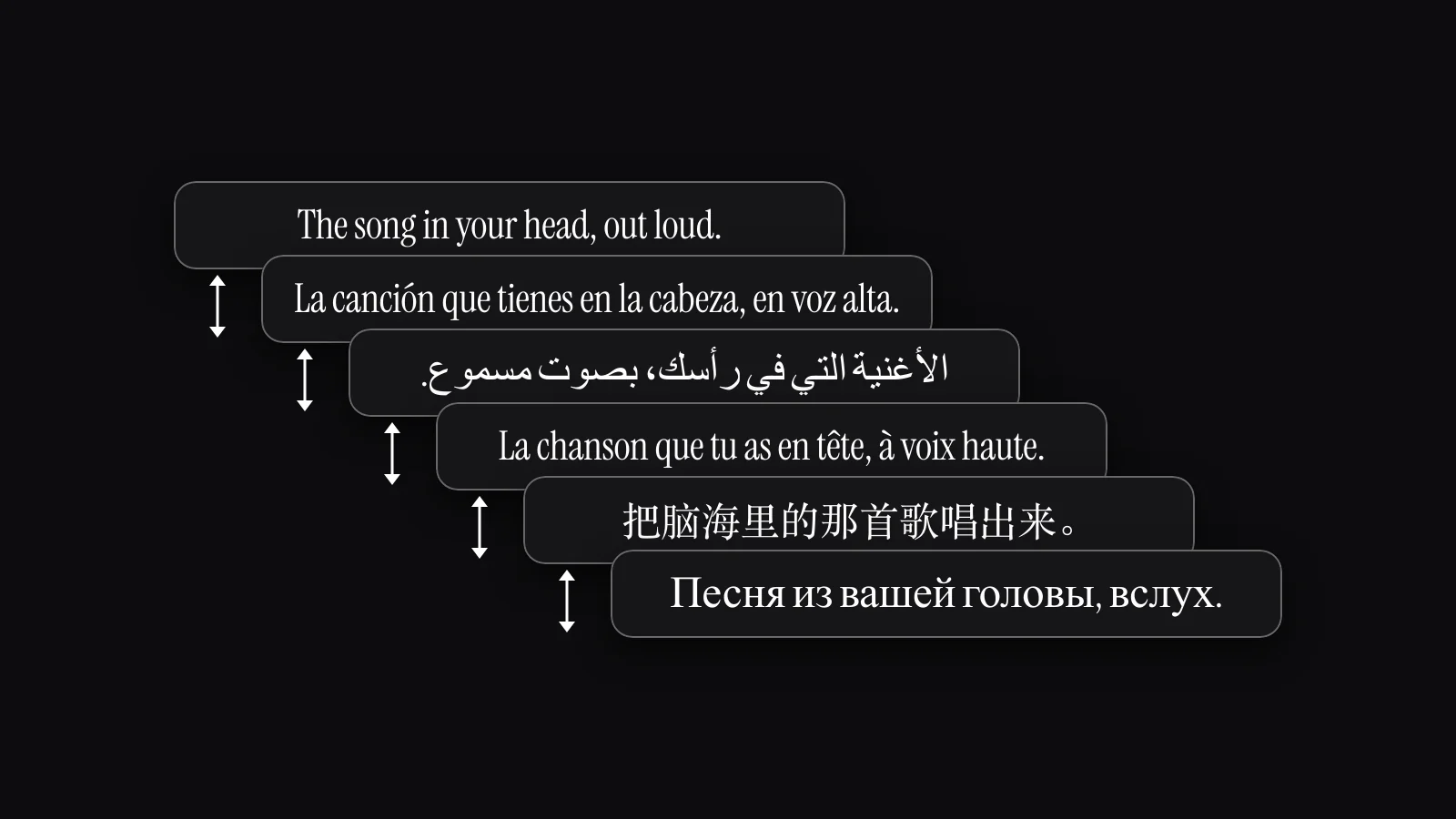
The web app now shows in your language, with nine to choose from besides English. Notifications have also arrived on the web.
Engineering
A faster web app: pages now arrive ready to use
We rebuilt the Mozart web app so pages are rendered on our servers. Navigation, the Library, Credits and song pages load faster.