Personas: capture your voice and use it in any song
Create a Persona from recordings of your voice in three steps, then use it when you generate songs, edit in Studio or share it with others.
By Mozart Team3 min read
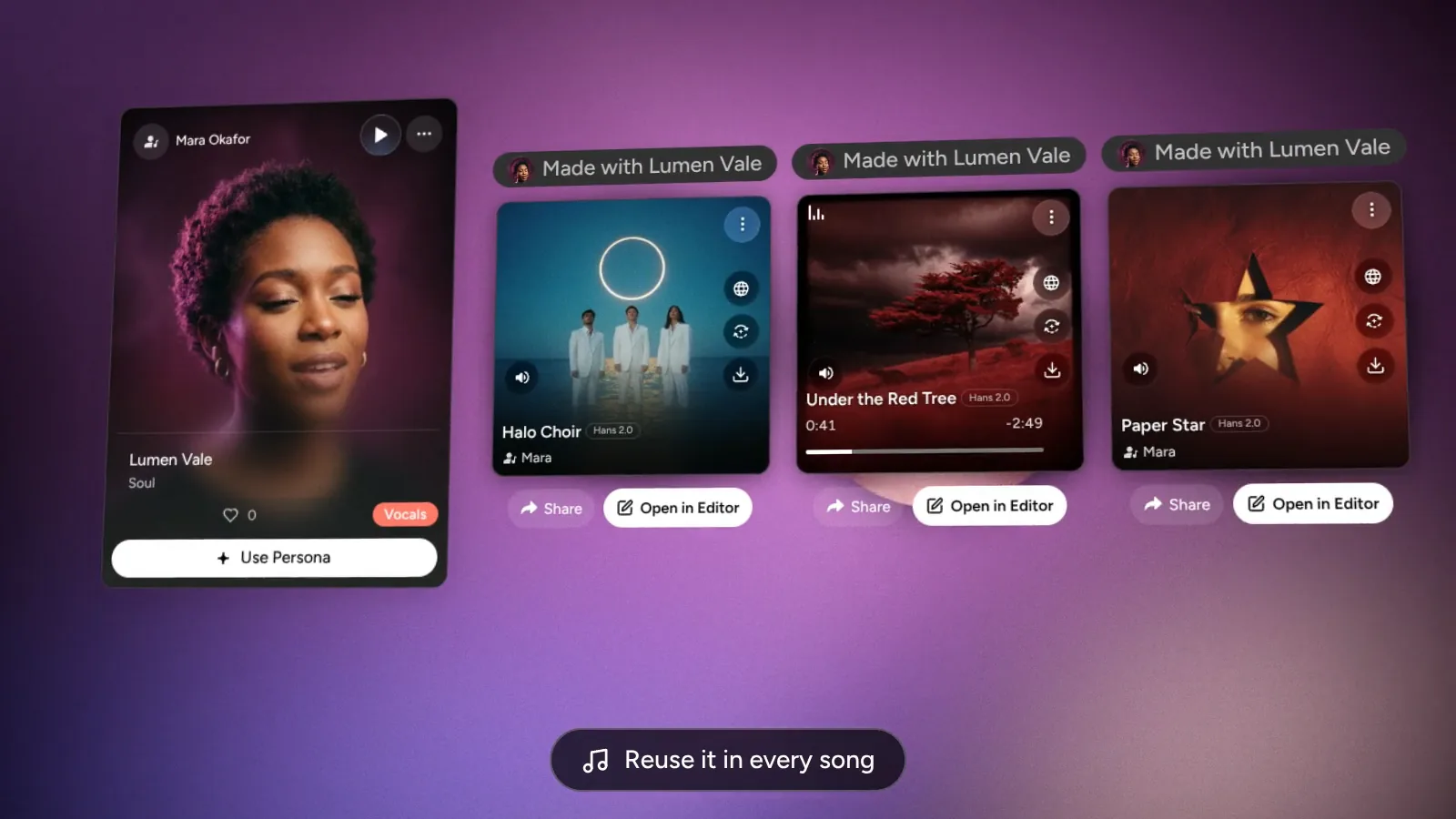
On 12 June 2026 we launched Personas. A Persona is a model of a voice or a style, trained on audio you own, that you can pick whenever you make music on Mozart.
What it is
Before Personas, every song you generated was sung by a voice the model chose. With a Persona, the voice is yours. You give Mozart at least 60 seconds of reference audio, it trains a model, and that model appears in the picker next to Mozart's own. Training usually takes a few minutes, and several Personas can train at the same time.
A Persona does not have to be a singing voice. When you create one, you choose what it is made for: Full Songs, Vocals, or Layers such as stems, loops and samples. A producer can capture a production style in the same way a singer captures a voice.
What you can do with it
Creating a Persona takes three steps:
- Add your sound. Upload WAV or MP3 files, add songs from your Library, or record straight into Mozart. You can sing freely or sing along to a song, karaoke style. Before you continue, you confirm that you have the right to train on the audio.
- Preview and trim. Listen to each source and cut it down to the part you want the model to learn from.
- Add the details. Give the Persona a name, a description and a genre, and say what it is made for. Then start training.
When training finishes, Mozart generates cover art for the Persona and example clips at three strength levels, so you can hear what it does.
From there you can:
- Use it in Vibe. Pick your Persona in the model picker, set its strength and generate a song.
- Use it in Studio. The Persona picker is there when you edit a clip or ask for variations, so single parts can carry your voice.
- Publish it. A published Persona has its own page and appears in Explore Personas, where other people can preview it and use it. Songs made with it show "Made with" and the Persona's name.
- Browse the Personas that other people have published and try them in your own music.
Personas work on the web and in the iPhone app, where you can record your voice directly on your phone. Audio you upload is checked for copyrighted material before it can be used for training.
Who it is for
Personas is for singers who want to hear themselves on a finished production without booking a studio, and for songwriters who write for their own voice. It is for producers who want one consistent sound across a project. People who do not think of themselves as singers use it too, because a short, honest recording is enough to train on.
Use only audio that is yours, or that you have permission to use.
What came next
- In July 2026, Layers launched, and you can choose a Persona there when you generate a layer.
- In October 2026, shared Persona pages gained a way for signed-out visitors to start making their own music from the page and come back to it after signing up.
- In November 2026, the Personas tab in the Library got its own filters and sorts, so a growing collection stays easy to search.
Put your next idea into music.
Bring a brief, a melody or a new direction to Mozart.
Create with MozartKeep reading
Engineering
A Unified Audio Engine
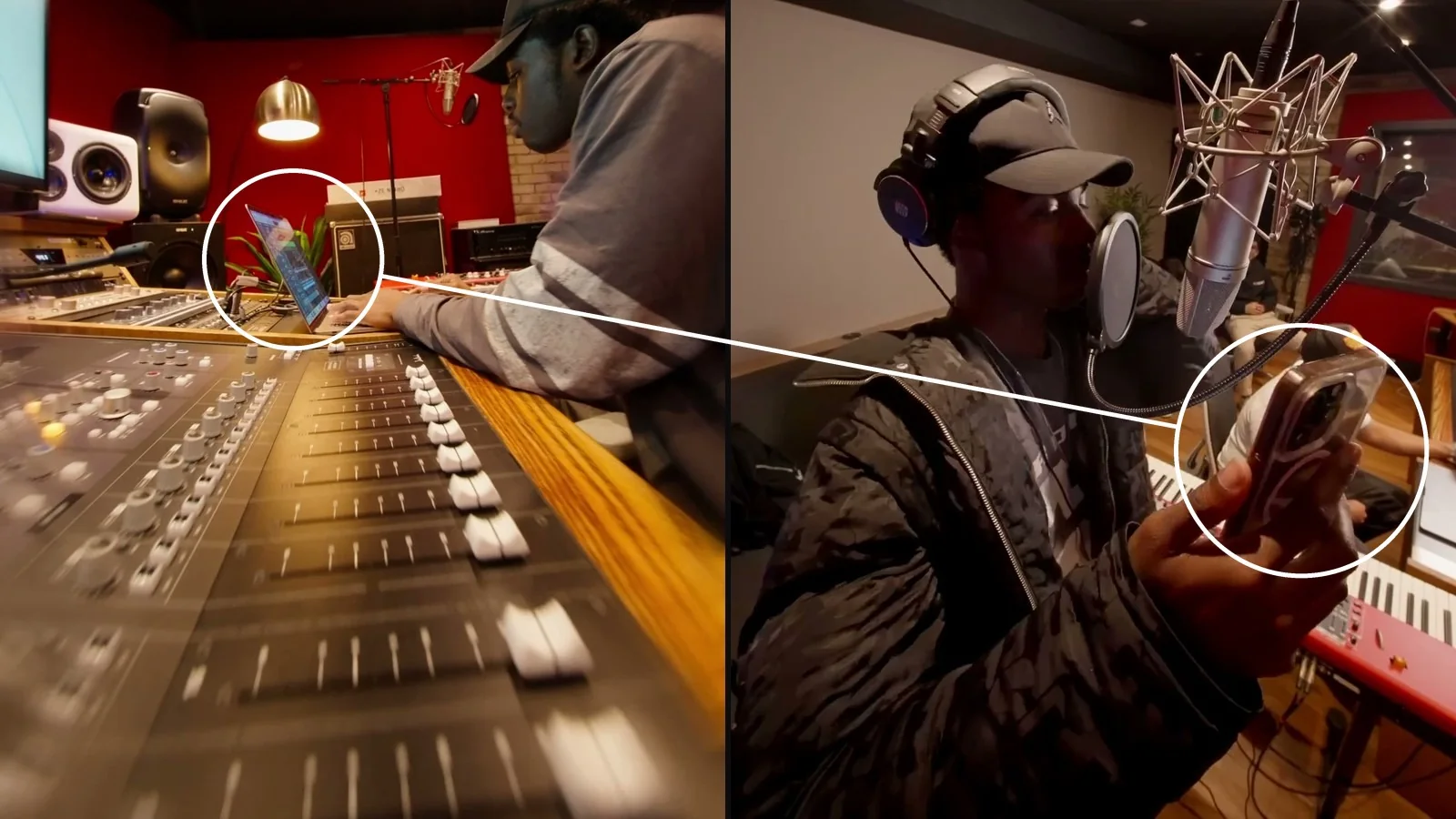
Mozart's audio engine is one C++ codebase that runs as WebAssembly in the browser, natively in Scout and natively on iPhone.
Product
Mozart on the web in nine more languages, with notifications in your browser
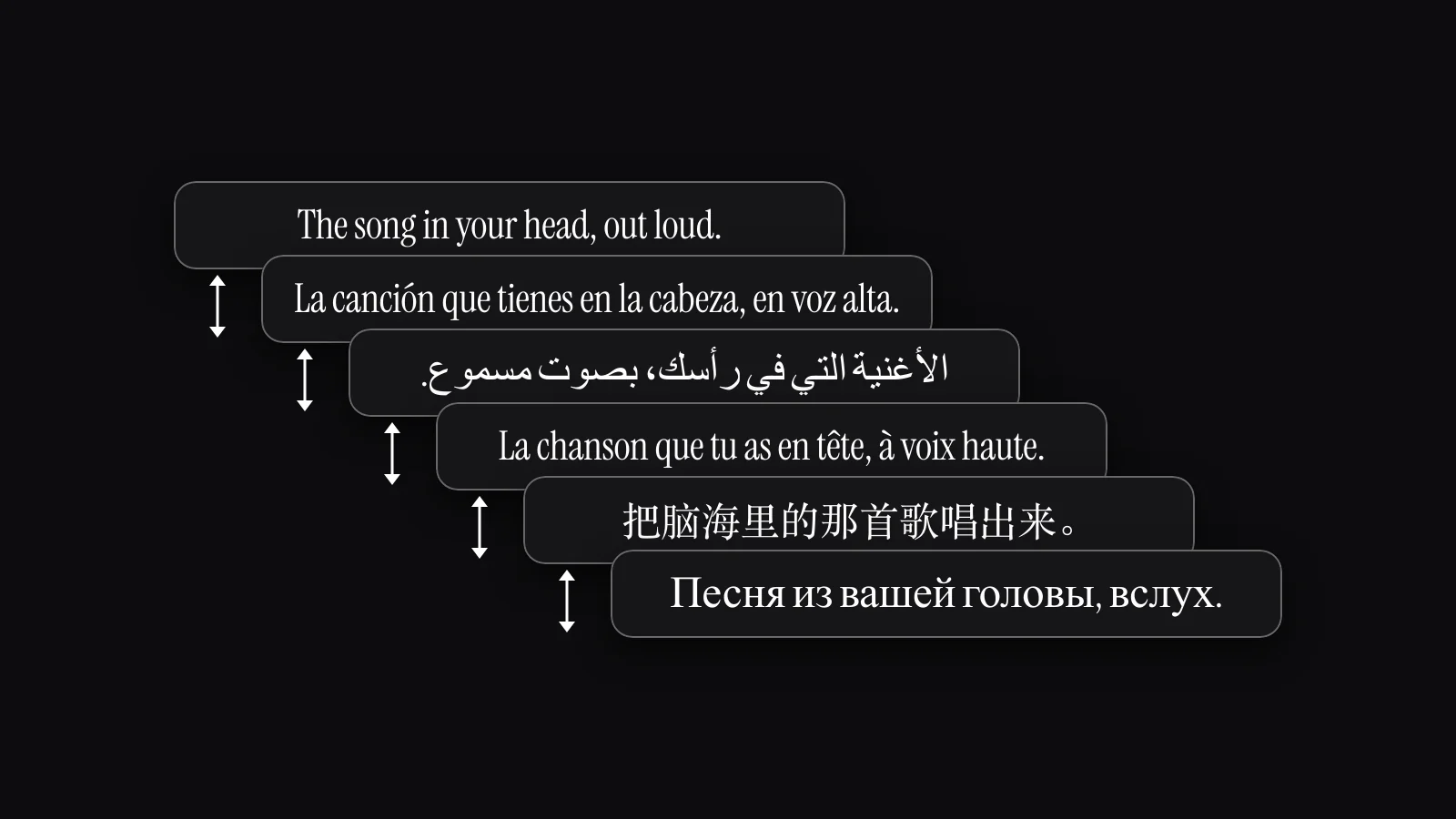
The web app now shows in your language, with nine to choose from besides English. Notifications have also arrived on the web.
Engineering
A faster web app: pages now arrive ready to use
We rebuilt the Mozart web app so pages are rendered on our servers. Navigation, the Library, Credits and song pages load faster.