Real-time collaboration (beta): make music together in one project
Work on the same Mozart project at the same time, with live cursors, voice, chat, comments and a list of who is in the room.
By Mozart Team3 min read
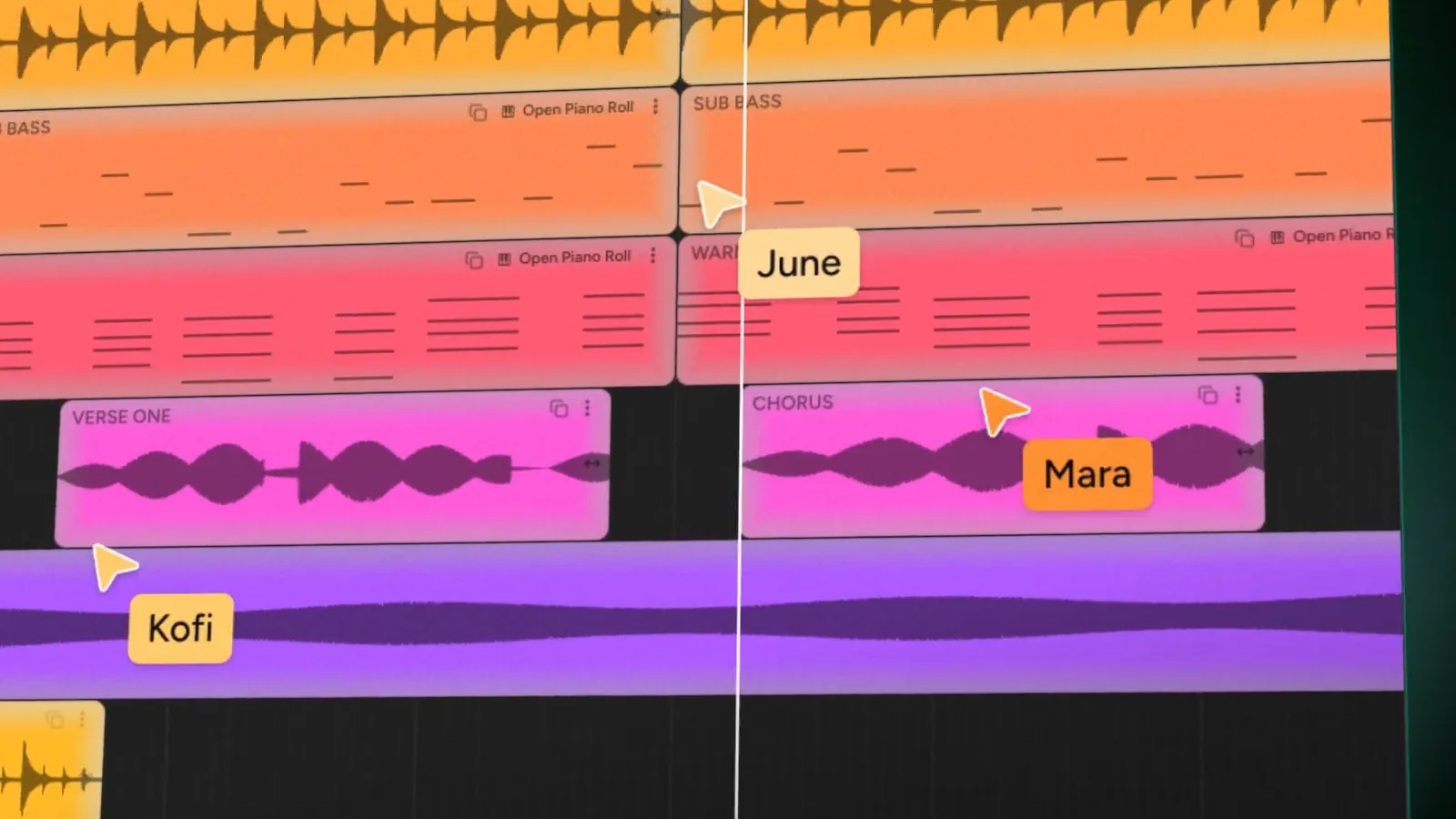
On 17 July 2026 real-time collaboration arrived on Mozart, in beta. Two or more people can open the same project and work on it together, wherever they are.
What it is
Collaboration turns a project into a room. You invite people with a link, and everyone who joins sees the same project and each other. Changes appear for all of you as they happen, so there is no file to send back and forth and no doubt about which version is the latest.
It works across the three ways of making music on Mozart. You can write a song together in Vibe, stack loops together in Layers, or arrange and mix together in Studio. The room follows the project, whichever mode it is in.
Collaboration launched as a beta, and it still carried that label a month later while we kept improving it. Making music at the same moment as someone else is hard to get right, and real sessions were the best way to find what needed work.
What you can do with it
- See who is here. A member list shows everyone in the room, and each person has a live cursor, so you can tell what they are looking at.
- Follow someone. Jump to a collaborator's view when they want to show you something.
- Talk. The room has voice built in. You join muted, and Mozart only asks for your microphone the first time you unmute. Press M to switch your mic on and off.
- Chat. Send messages, reply to them and react.
- Leave comments. Pin a comment to a spot on the canvas, discuss it, and resolve it when it is dealt with.
- Set roles. The owner decides who can edit and who can only view.
Starting a session takes a minute:
- Open a project and choose "Invite to collaborate".
- Send the link to the people you want in the room.
- When a collaborator joins, their cursor appears. Unmute if you want to talk, or use the chat.
- Work as you normally would. Generate, record and edit. What you do shows up on their screen too.
Who it is for
Collaboration is for co-writers who live in different cities, and for a producer and a singer working out a melody together. It is for a teacher walking a student through an arrangement, and for friends who want to make a track on a Sunday afternoon. It helps in the same room as well: two producers on two laptops can work in one project without passing files between them.
If you have ever exported a rough mix, sent it to someone and waited a day for notes, this is the shorter route.
What came next
- In August 2026, invite links became short, and joining a session through a link became more reliable.
- In November 2026, collaboration moved to servers that Mozart runs itself, placed in the region nearest to the room's creator. Existing projects move across the first time you open them, and a tab left open on an old version reloads itself after your changes have saved.
- Also in November, the Library began to show who you share each project with, including collaborators' names and whether each person can edit or only view.
Put your next idea into music.
Bring a brief, a melody or a new direction to Mozart.
Create with MozartKeep reading
Engineering
A Unified Audio Engine
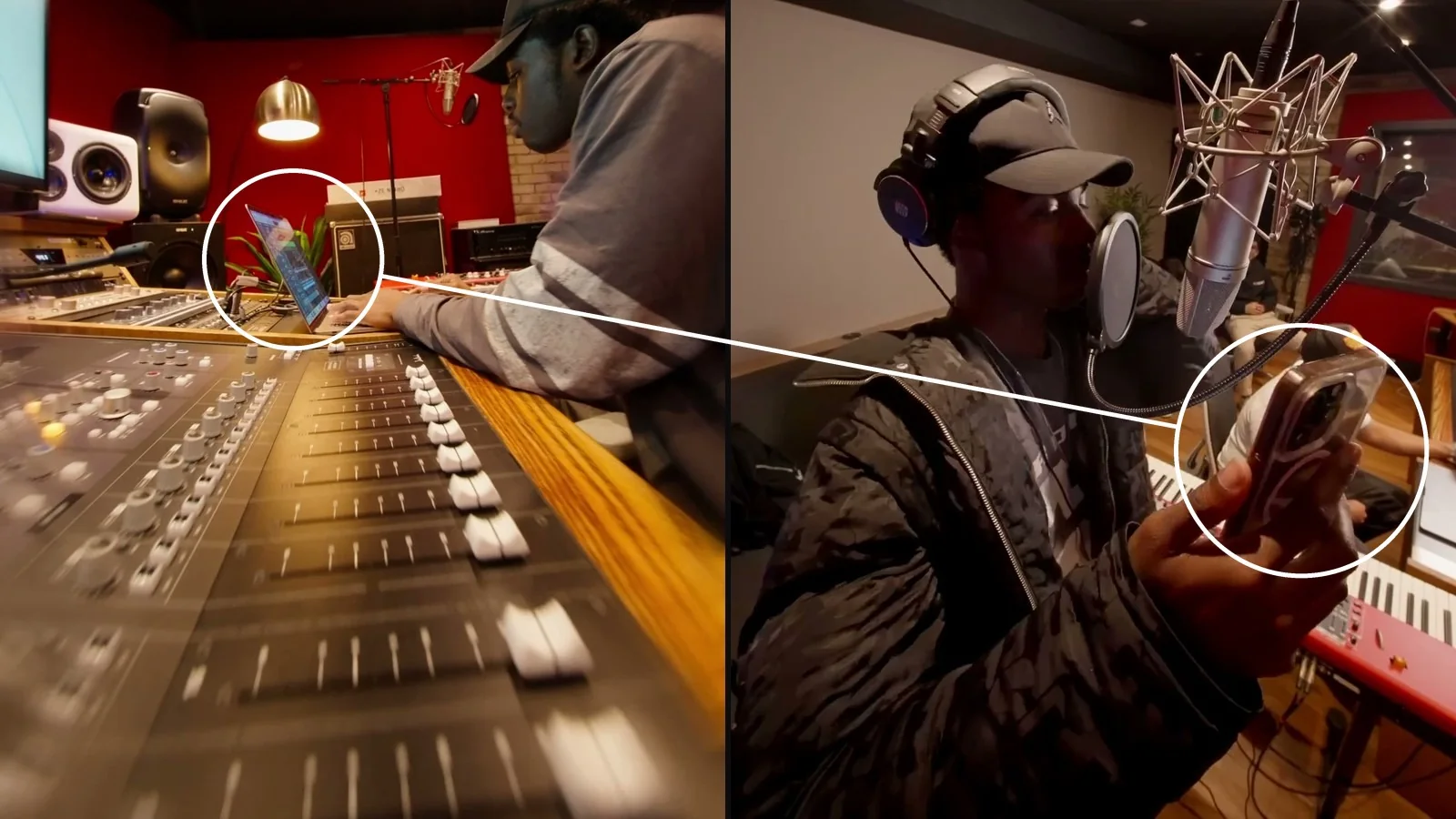
Mozart's audio engine is one C++ codebase that runs as WebAssembly in the browser, natively in Scout and natively on iPhone.
Product
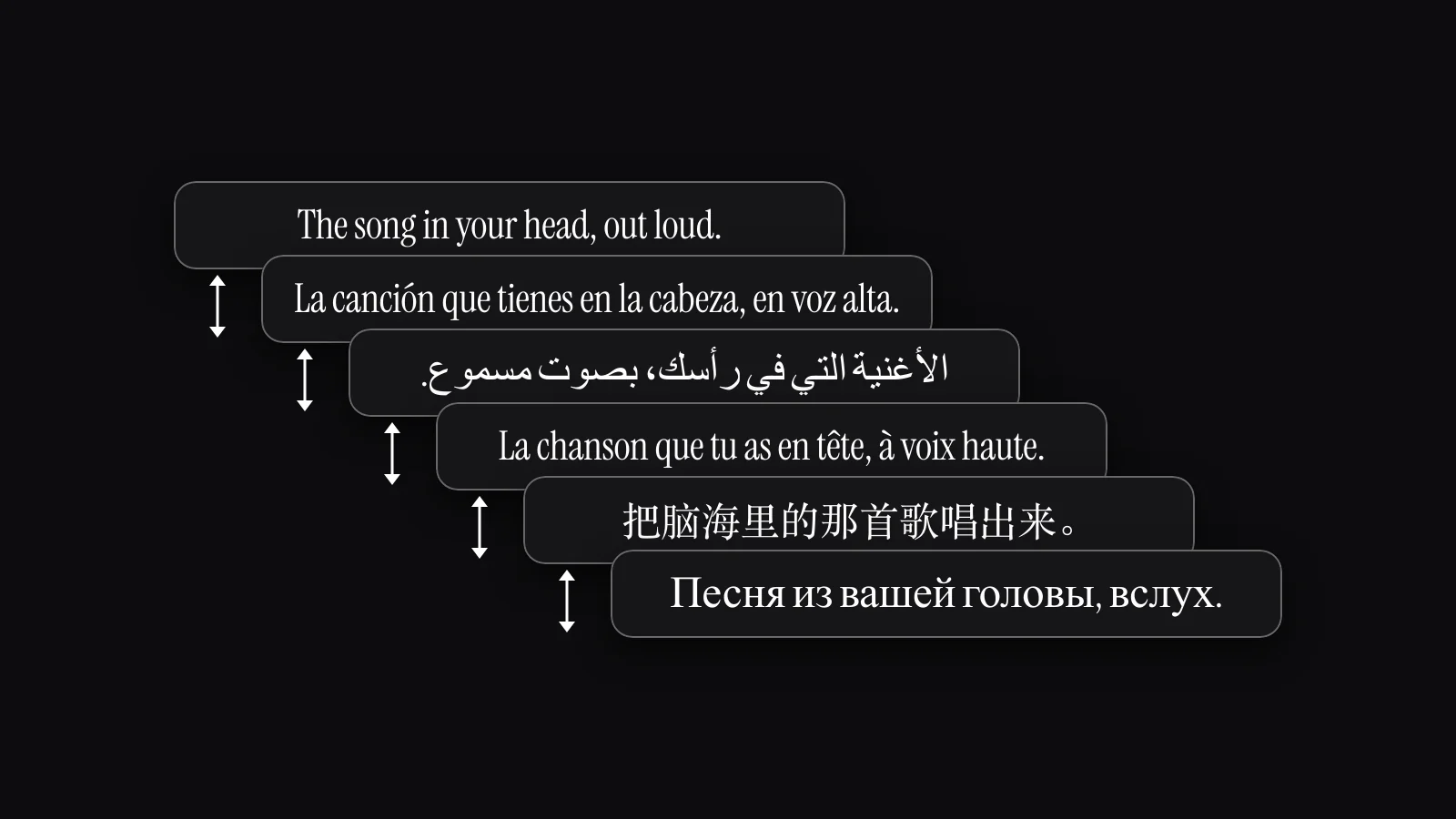
Mozart on the web in nine more languages, with notifications in your browser
The web app now shows in your language, with nine to choose from besides English. Notifications have also arrived on the web.
Engineering
A faster web app: pages now arrive ready to use
We rebuilt the Mozart web app so pages are rendered on our servers. Navigation, the Library, Credits and song pages load faster.