Studio 1.0 and Scout: your plugins in the browser, with AI that can use them
Studio 1.0 is a generative audio workstation in the browser. Scout connects the instrument and effect plugins on your computer to it.
By Mozart Team3 min read
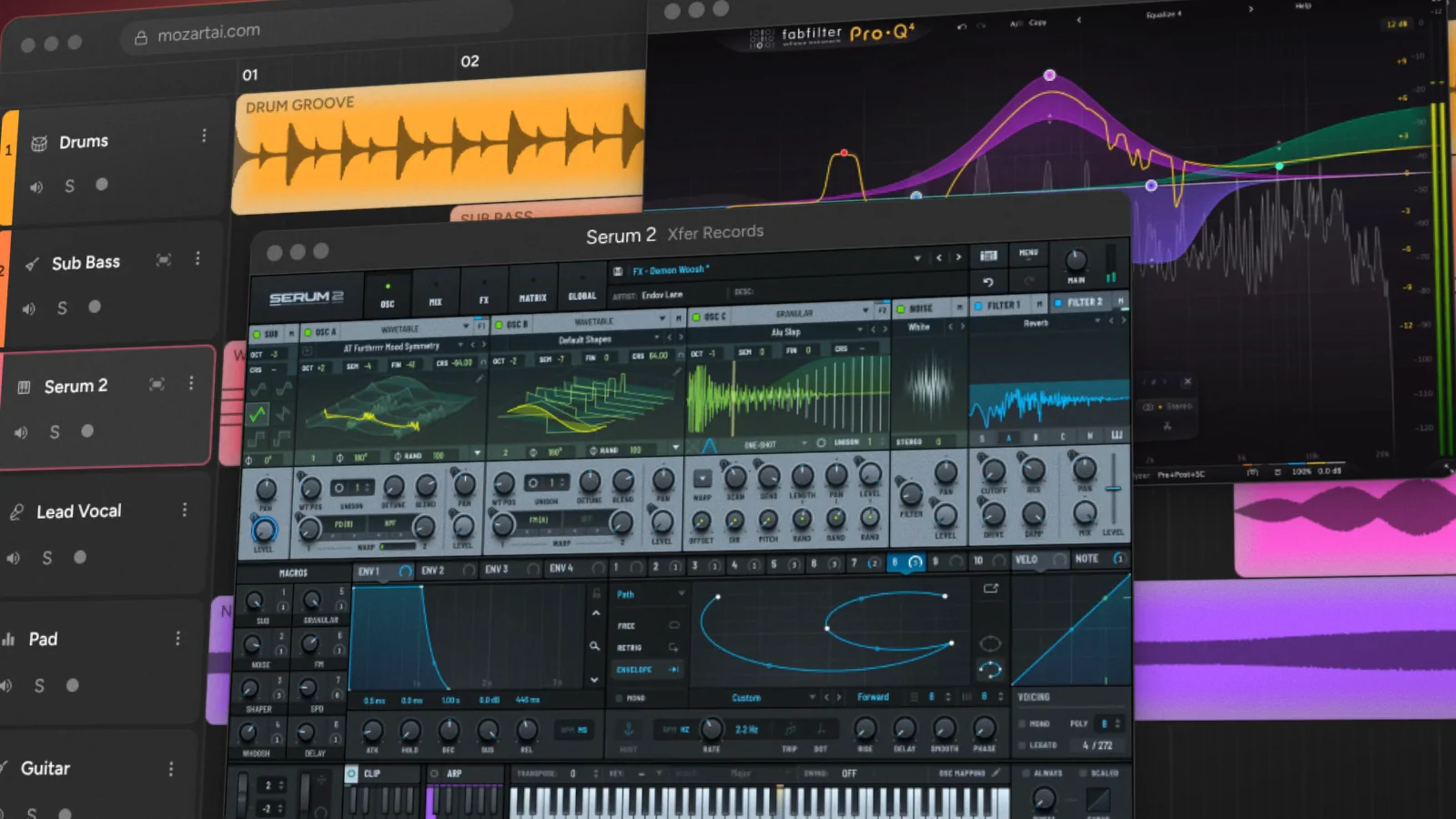
On 24 April 2026 we launched Studio 1.0 together with Scout. Studio is the browser workstation Mozart started with, rebuilt around AI generation. Scout is a small desktop app that brings the plugins you already own into it.
What it is
Studio 1.0 is a generative audio workstation. It has what you expect from music software: an arrangement, a piano roll, a mixer, instruments and effects. It adds AI that works on the same tracks you do. You can generate audio or MIDI for a part, convert audio into MIDI, and ask for alternatives until one fits.
Scout runs in the background on your Mac or Windows PC. It finds the VST3 and Audio Unit instruments and effects installed on your computer and makes them available inside Studio, so you can load and play them from the browser. Mozart's assistant can use them too. When you ask for a sound, it can pick a preset or adjust a plugin's controls for you.
Plugins are the software instruments and effects that producers collect over years. Until this launch they only worked inside desktop music software.
What you can do with it
Studio 1.0 shipped with these additions:
- A reworked layout that keeps the arrangement, the editors and the assistant together.
- Variations. When you generate a part, Studio keeps the options in lanes under the track, so you can compare them and keep the one you like.
- Compose, an assistant that listens to the project, works out what is missing, generates new layers and arranges them.
- Hum to anything. Sing or hum an idea, let Mozart turn it into MIDI, and play it with any instrument, including your own plugins.
- A drum rack and a sample-based instrument with new presets.
- Four ways to split stems: Vocals + Instrumental, Auto, Advanced and Drum Stems.
- Plugin mentions. Type @ and a plugin's name in a prompt to tell the assistant which instrument to use.
A first session with Scout goes like this:
- Open a project in Studio on a computer. Studio does not open on phones.
- Add an instrument track and open the instrument picker. Choose Install Scout and follow the steps.
- Once Scout is running, your plugins appear in the picker. Load one.
- Hum a melody and convert it to MIDI, or ask the assistant to write a part.
- Ask for variations, pick one and keep building.
Who it is for
Studio 1.0 is for producers who want control over every track and still want AI in the room. If you have a plugin folder you love, Scout means you do not have to leave it behind to work in the browser. If you are newer to production, the built-in instruments and effects are enough to finish a song, and Scout is there when you start collecting plugins of your own.
What came next
- A few days later, Auto-Stretch made audio clips follow the project tempo with a higher-quality time-stretch.
- In July 2026, the arrangement and the piano roll moved to a GPU renderer, so Studio stays smooth with many tracks.
- In August 2026, Studio began running several AI jobs at once.
- In October 2026, Studio got better at staying connected to Scout during heavy projects, and a new Scout build followed on 1 November.
One thing has changed since launch. Compose was later retired, and its work is now done by the Clip Agent, which generates and edits clips in place on the timeline.
Put your next idea into music.
Bring a brief, a melody or a new direction to Mozart.
Create with MozartKeep reading
Engineering
A Unified Audio Engine
Mozart's audio engine is one C++ codebase that runs as WebAssembly in the browser, natively in Scout and natively on iPhone.

Stories
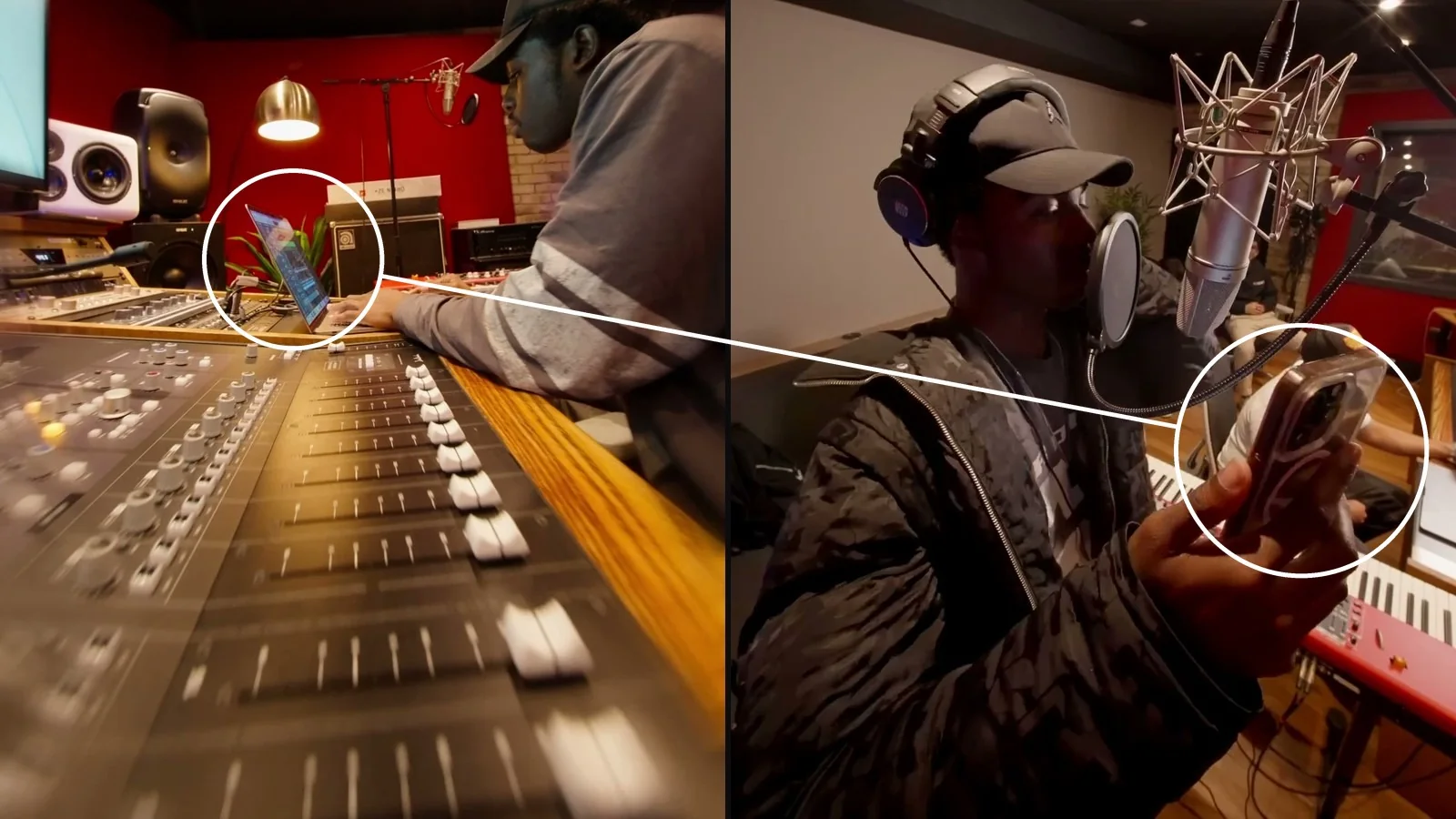
A day at TYX Studios: what our first songwriting camp taught us
On 6 June 2026, London producers, rappers and songwriters spent a day making music with Mozart Studio. Here is what happened and what we learned.
Product
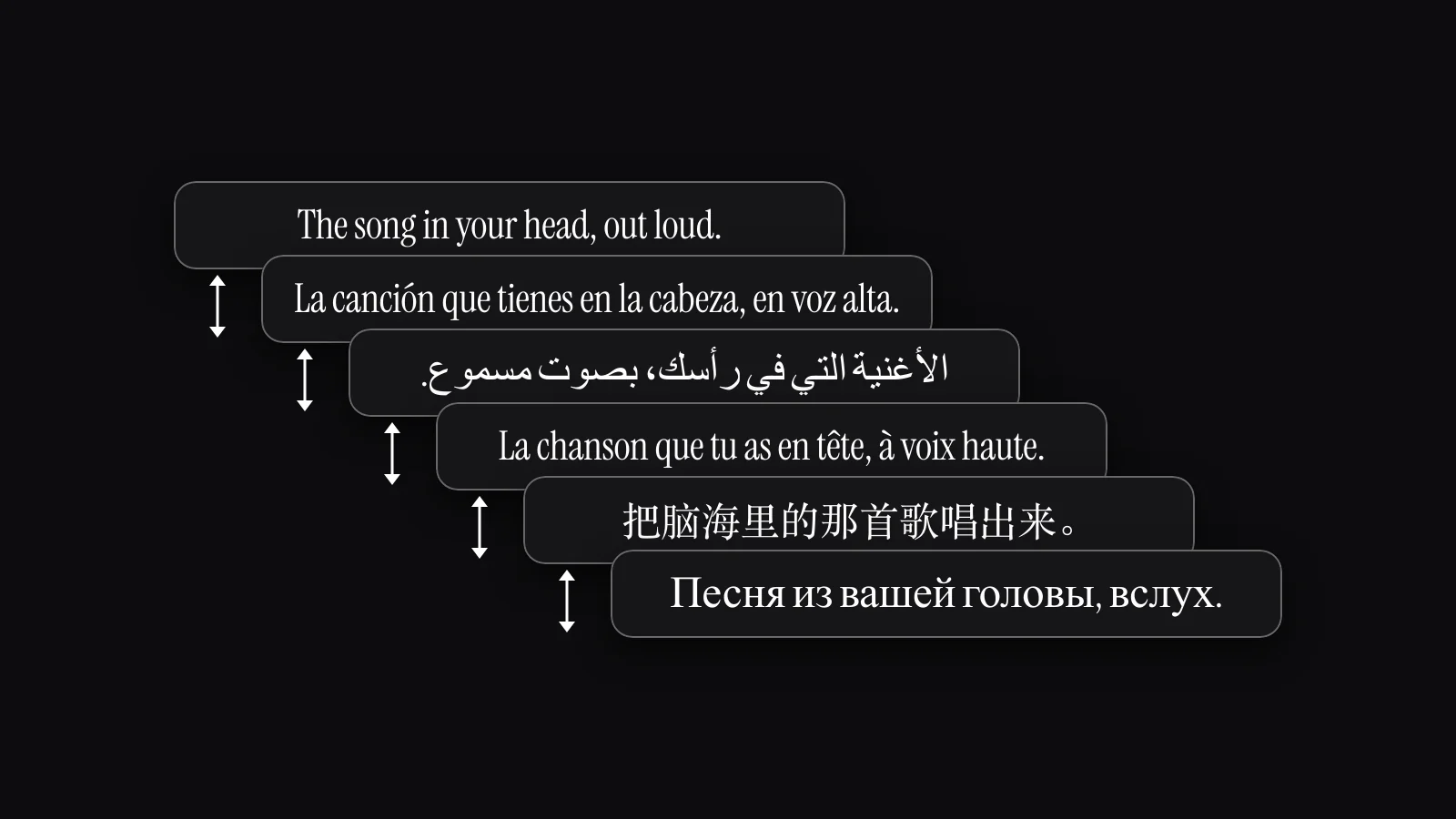
Mozart on the web in nine more languages, with notifications in your browser
The web app now shows in your language, with nine to choose from besides English. Notifications have also arrived on the web.